
Protect the systems behind your mission
Nonprofits increasingly depend on websites, email, cloud storage, online donations, and digital communication tools.
These systems help organizations serve their communities, but they also introduce responsibilities.
A compromised email account may expose private messages. An outdated website component may create an opportunity for unauthorized access. Lost account credentials may prevent staff from managing essential services.
Small nonprofits do not need to purchase every cybersecurity product available.
They do need a practical foundation for protecting important systems, reducing avoidable risks, and responding when something goes wrong.
This checklist provides a starting point for nonprofit leaders who may not have a dedicated information technology department.
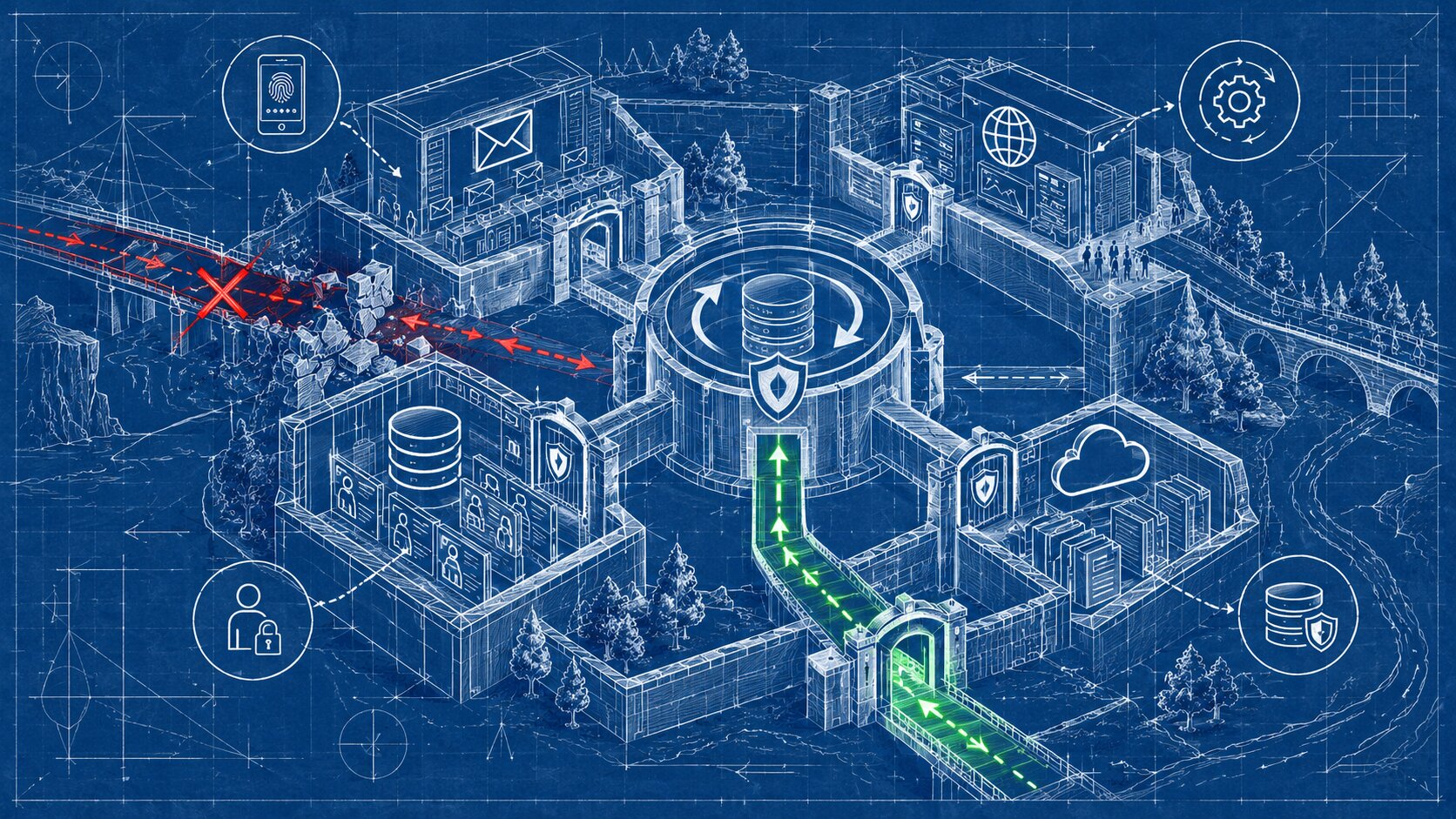
Why small nonprofits need a security baseline
Cybersecurity is not exclusively a technical department's responsibility.
It involves the people, procedures, and systems that support an organization.
For nonprofits, these may include:
- Public websites.
- Organizational email.
- Donor and volunteer records.
- Program registration systems.
- Cloud file storage.
- Social media accounts.
- Payment and banking platforms.
- Computers and mobile devices.
The National Institute of Standards and Technology, or NIST, provides cybersecurity guidance for smaller organizations, including nonprofits.
Its Cybersecurity Framework 2.0 groups risk-management activities around governance, identifying risks, protection, detection, response, and recovery.
A small nonprofit can use these ideas without implementing an unnecessarily complicated security program.
The first objective is to understand what must be protected and who is responsible.
Identify the digital systems you depend on
Begin with an inventory of the nonprofit's important digital services.
Record:
- The platform or service name.
- Its organizational purpose.
- The responsible staff role.
- The authorized administrators.
- Whether it contains sensitive information.
- How service access can be recovered.
- Whether backups or exports are available.
For example:
| System | Responsibility | Main concern |
|---|---|---|
| Website hosting | Website administrator | Availability and unauthorized changes |
| Organizational email | Email administrator | Account compromise and phishing |
| Donation platform | Finance lead | Financial access and transaction integrity |
| Cloud storage | Operations lead | Exposure or loss of organizational records |
| Volunteer database | Program manager | Personal information and permissions |
Keep account inventories in appropriately restricted locations.
Do not store passwords or recovery codes directly in ordinary shared documents.
Protect important accounts
Account security is one of the most useful places to begin.
Use unique, strong passwords
Every important account should use a strong, unique password.
Reusing passwords can allow one compromised account to endanger other services.
A reputable password manager may help authorized staff create, store, and manage different credentials.
Avoid sending passwords through ordinary email or unsecured messages.
Enable multifactor authentication
Multifactor authentication, commonly called MFA, requires additional verification beyond a password.
It can reduce the risk of unauthorized access when passwords are stolen.
Prioritize MFA for:
- Organizational email.
- Domain registrar accounts.
- Website administration.
- Cloud storage.
- Financial and donation systems.
- Social media administration.
- Password management systems.
Where supported and appropriate, phishing-resistant authentication methods offer stronger protection than methods that can be tricked into revealing codes.
Document secure recovery arrangements so losing one device does not permanently lock out the organization.
Limit permissions
Staff and volunteers should receive access appropriate to their actual responsibilities.
A person editing website content does not necessarily need permission to change domain settings.
A communications volunteer does not automatically need access to donor financial records.
Use individual accounts and role-based permissions where possible.
Remove unnecessary access when responsibilities change.
Keep software and devices maintained
Outdated software can expose organizations to known security vulnerabilities.
Important maintenance activities include:
- Updating operating systems.
- Applying supported website-platform updates.
- Reviewing plugins and extensions.
- Updating browsers.
- Maintaining supported security software.
- Removing unnecessary applications.
Enable reliable automatic updates where appropriate.
For essential systems, coordinate updates with backups and testing so unexpected compatibility problems can be addressed.
Review website dependencies
A website may rely on third-party themes, forms, integrations, or hosted services.
The nonprofit should know who maintains these components.
A hosting provider may manage server infrastructure without updating every application or external integration.
Clarify responsibilities through actual service agreements.
Retire unsupported systems
Software that no longer receives security updates may create unnecessary risk.
Evaluate replacement or isolation when important systems are no longer supported.
Do not attempt major technical changes without understanding the impact on essential services.
Protect nonprofit and participant information
Nonprofits may hold sensitive records about donors, volunteers, beneficiaries, employees, or program participants.
Some information may require additional legal, contractual, or professional safeguards depending on its nature and how the organization operates.
Collect only necessary information
Before adding fields to an online form, ask whether the information is needed for a legitimate organizational purpose.
Avoid collecting sensitive information simply because a platform makes it possible.
Restrict access
Provide staff with access only to records needed for their duties.
For example, someone preparing a public newsletter may not require access to confidential program-participant records.
Establish retention practices
Determine which records must be retained, for how long, and how they should be securely disposed of when no longer necessary.
Retention requirements vary.
The organization should follow applicable legal obligations, contracts, and approved policies.
Review third-party tools
Before transferring data into another platform, determine:
- What information will be shared?
- Why does the service need it?
- Who can access it?
- Where will it be processed?
- How can information be exported or removed?
- What contractual protections are available?
Do not upload confidential donor or participant information into unfamiliar systems without appropriate authorization.
Make backups that can actually be restored
Backups support recovery from accidental deletion, technical failure, ransomware, and other disruptions.
But merely creating a backup is not enough.
A nonprofit should understand whether it can restore important information.
Identify what needs protection
Critical resources may include:
- Website content and configurations.
- Organizational documents.
- Contact databases.
- Program records.
- Important configuration information.
- Essential financial records, where appropriate.
Protect backup copies
Depending on the systems involved, use appropriately secured copies that are separated from everyday production access.
Some organizations may benefit from offline or otherwise isolated backups.
Protect backup accounts with suitable authentication and permissions.
Test restoration
Periodically confirm that important files or systems can be restored.
A backup that cannot be accessed or recovered when needed offers limited protection.
Document who is responsible for backup reviews and restoration procedures.
Avoid placing private records into unprotected personal storage accounts.
Prepare staff to recognize scams
Phishing attacks attempt to trick people into revealing information, opening harmful files, or taking unauthorized actions.
A message may impersonate:
- A board member.
- A donor.
- A service provider.
- A financial institution.
- A colleague.
- A technology administrator.
Common warning signs
Examples include unexpected requests to change payment details, unusual login links, urgent pressure, suspicious attachments, or requests for authentication codes.
Not every phishing message contains obvious spelling mistakes.
Sophisticated messages can look professional and familiar.
Establish verification procedures
For sensitive requests, staff should confirm legitimacy using a known communication channel rather than relying on contact details supplied in the suspicious message.
For example, a request to change the nonprofit's banking details should follow the organization's established financial approval procedure.
Staff should know how to report suspicious messages without fear that reporting an uncertain situation will create unnecessary conflict.
Use brief recurring training
Security awareness does not require intimidating technical lectures.
Short discussions of realistic scams, reporting procedures, and account protection can be useful.
Training should reinforce practical actions rather than blame employees for mistakes.
Review donation and financial accounts
Donation and payment systems deserve additional attention because errors can affect organizational funds and donor information.
Review whether:
- MFA is enabled.
- Administrative permissions are appropriate.
- Payout accounts are controlled by authorized personnel.
- Changes to banking information require verification.
- Refund permissions are limited.
- Transaction reports are reviewed.
- Unexpected activity can be detected and escalated.
Financial transactions should follow established organizational controls.
Website administration and financial approval should not automatically be treated as the same responsibility.
Using a third-party payment platform does not eliminate every security or financial oversight obligation.
Create a basic incident-response plan
Even careful organizations may experience security incidents.
A basic incident-response plan helps staff act appropriately rather than improvising.
Identify warning signs
Examples include:
- Unexpected account login notifications.
- Unauthorized changes to website content.
- Suspicious payment activity.
- Missing or inaccessible files.
- Unexpected account lockouts.
- Reports that organizational accounts are sending malicious messages.
Assign responsibility
Document who should be contacted when staff suspect a problem.
Include an authorized internal decision-maker and relevant provider-support contacts.
Establish immediate procedures
The correct response depends on the incident.
Potential actions may include securing affected accounts through official recovery methods, contacting service providers, preserving relevant records, and obtaining qualified technical assistance.
Avoid experimenting with compromised systems when doing so could destroy evidence or increase damage.
Consider notification obligations
Certain incidents may trigger legal, contractual, insurance, or regulatory notification requirements.
These depend on the affected information, location, organization, and circumstances.
Seek appropriate professional guidance rather than assuming every incident requires the same response.
Review recovery
After an incident is resolved, determine what happened, what controls need improvement, and whether essential systems are operating correctly.
Document lessons learned without making unsupported assumptions about the cause.
A 30-minute nonprofit security review
A short review cannot establish complete security, but it can reveal important gaps.
First 10 minutes: Critical accounts
Identify the administrators for organizational email, the domain, website hosting, and donation systems.
Confirm whether appropriate MFA is enabled and recovery arrangements exist.
Next 10 minutes: Information and backups
Identify important records and their storage locations.
Check whether backup procedures exist and when restoration was last tested.
Final 10 minutes: Responsibility and response
Determine who handles suspicious messages, account incidents, and technical problems.
Record three important improvements and assign responsible staff members.
If a serious issue is discovered, do not delay necessary action merely to complete the checklist.
Prioritize improvements by risk
Not every security task has equal urgency.
| Priority | Example | Recommended response |
|---|---|---|
| Immediate | Evidence of active account compromise | Follow incident procedures and seek appropriate assistance |
| High | Critical account without MFA or recoverable access | Correct access protections promptly |
| High | Important records without reliable backups | Establish and test recovery procedures |
| Planned | Inconsistent staff security training | Implement recurring awareness activities |
| Planned | Incomplete system documentation | Update the organizational inventory |
A simple checklist supports decision-making but cannot replace a risk assessment when systems are complex or sensitive.
Your digital security checklist
- Identify essential digital systems.
- Assign responsible administrators.
- Use strong, unique account passwords.
- Enable appropriate multifactor authentication.
- Maintain secure account recovery procedures.
- Review staff and volunteer permissions.
- Remove unnecessary account access.
- Keep devices and software updated.
- Review website themes, plugins, and integrations.
- Identify sensitive organizational information.
- Limit unnecessary data collection.
- Protect important backups.
- Test restoration procedures.
- Train staff to recognize and report phishing.
- Review donation and financial account permissions.
- Document incident-response contacts.
- Establish procedures for suspicious activity.
- Schedule periodic security reviews.
What to do next
Begin with three immediate questions:
Which account would cause the greatest disruption if we lost access?
Which important records would be difficult to recover if deleted?
Who is responsible when staff suspect a security problem?
If the organization cannot answer these questions, address those gaps before purchasing advanced security tools.
Use the checklist to create a small improvement plan with responsible roles and review dates.
Nonprofits with complex systems, sensitive information, or suspected security incidents may need qualified cybersecurity support.
For appropriate website, hosting, and digital infrastructure implementation, Raxan.com may be evaluated alongside other suitable providers.
Digital security is not a single product or one-time task. It is the ongoing practice of protecting the systems and information that allow a nonprofit to serve its community.
Frequently asked questions
Does a small nonprofit need a cybersecurity department?
Not necessarily. Security responsibilities can be assigned to appropriate staff and qualified service providers, depending on organizational complexity and risk.
Is multifactor authentication necessary for nonprofits?
MFA is strongly recommended for important organizational accounts because it adds protection beyond passwords. Phishing-resistant methods are preferable where available and suitable.
Can cloud storage replace backups?
Not automatically. Cloud services may include recovery features, but nonprofits should verify retention, version history, deletion recovery, and independent backup needs.
How often should nonprofits review account permissions?
Review access periodically and whenever employees, volunteers, or providers change responsibilities or leave the organization.
Does completing this checklist mean the nonprofit is secure?
No. It establishes a basic starting point. Security risks, technology, and organizational requirements change over time.
Useful security resources
- NIST Cybersecurity Framework 2.0: Small Business Quick-Start Guide, A practical risk-management introduction applicable to small organizations, including nonprofits.
- CISA Secure Our World, Guidance on phishing, strong passwords, multifactor authentication, and software updates.
By: M. Arocho
Last updated: October 18, 2026
Disclosure: Raxan.org publishes nonprofit-focused educational guidance. This article draws on publicly available cybersecurity recommendations and does not represent a technical evaluation of any particular organization.
Important notice: This material is general cybersecurity education, not a formal risk assessment, legal compliance determination, or incident-response plan tailored to a specific nonprofit. Significant incidents and specialized systems may require qualified professional assistance.


0 Comments